
Manager Portal
Manager Dashboard
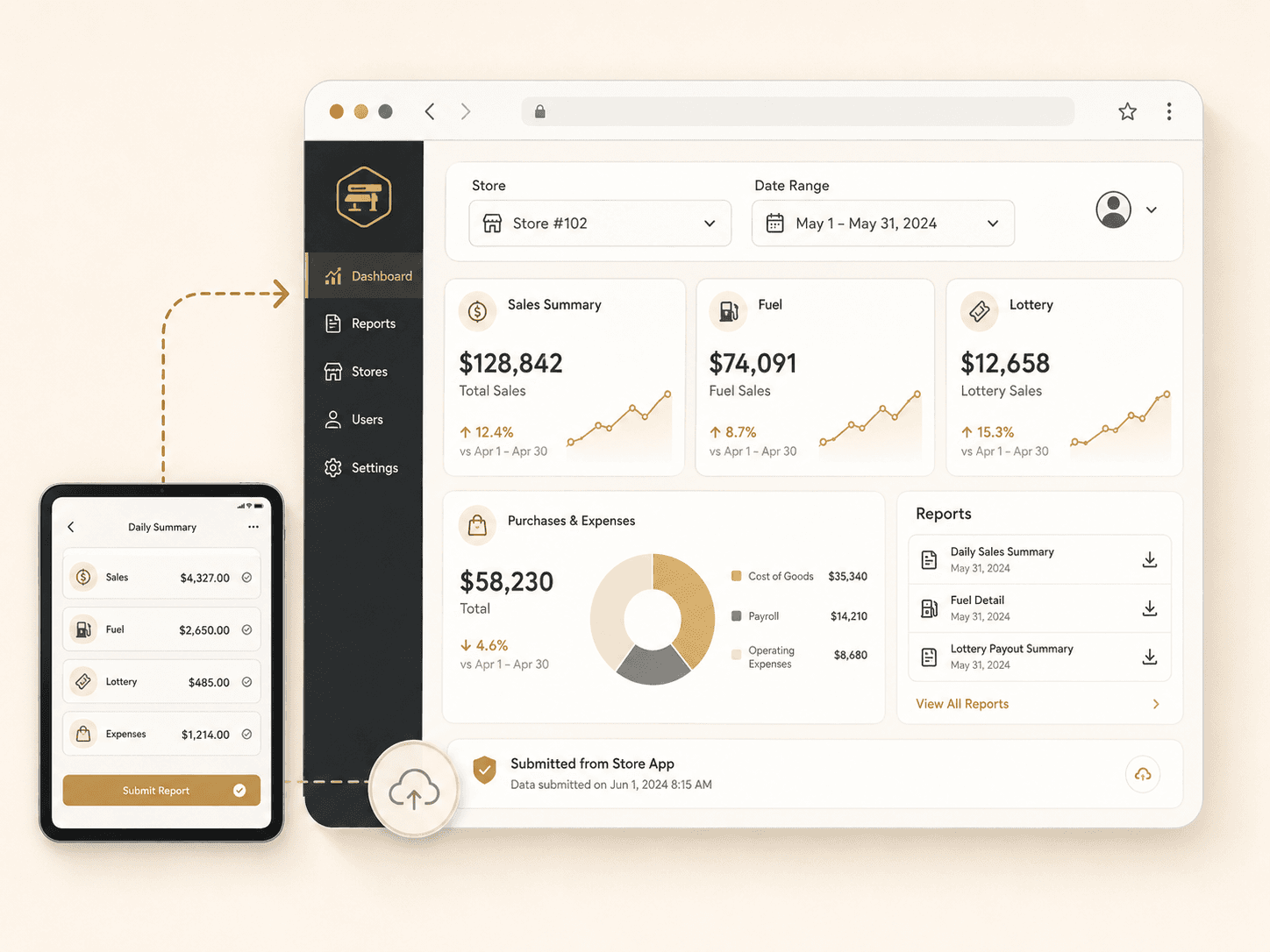
Review store reporting from the web. Managers and owners can sign in, open their assigned store, select a date range, and review submitted reports.
Store Visibility
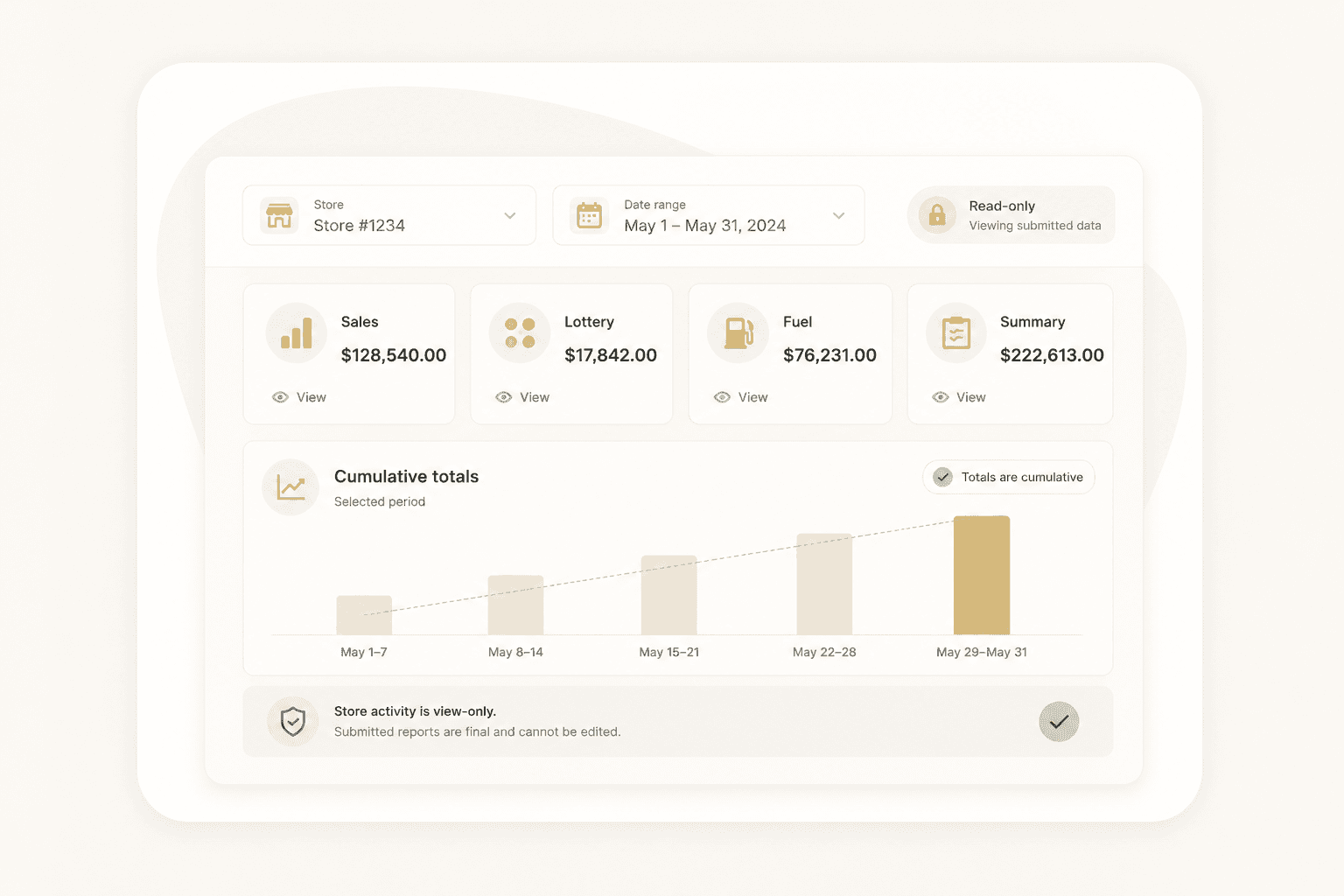
Store reporting in one place
Review submitted reports without sorting through printed packets or separate spreadsheets.
- Store-specific manager access
- Date-range reporting
- Read-only store activity
- Cumulative totals for selected periods
Management Review
Built for review
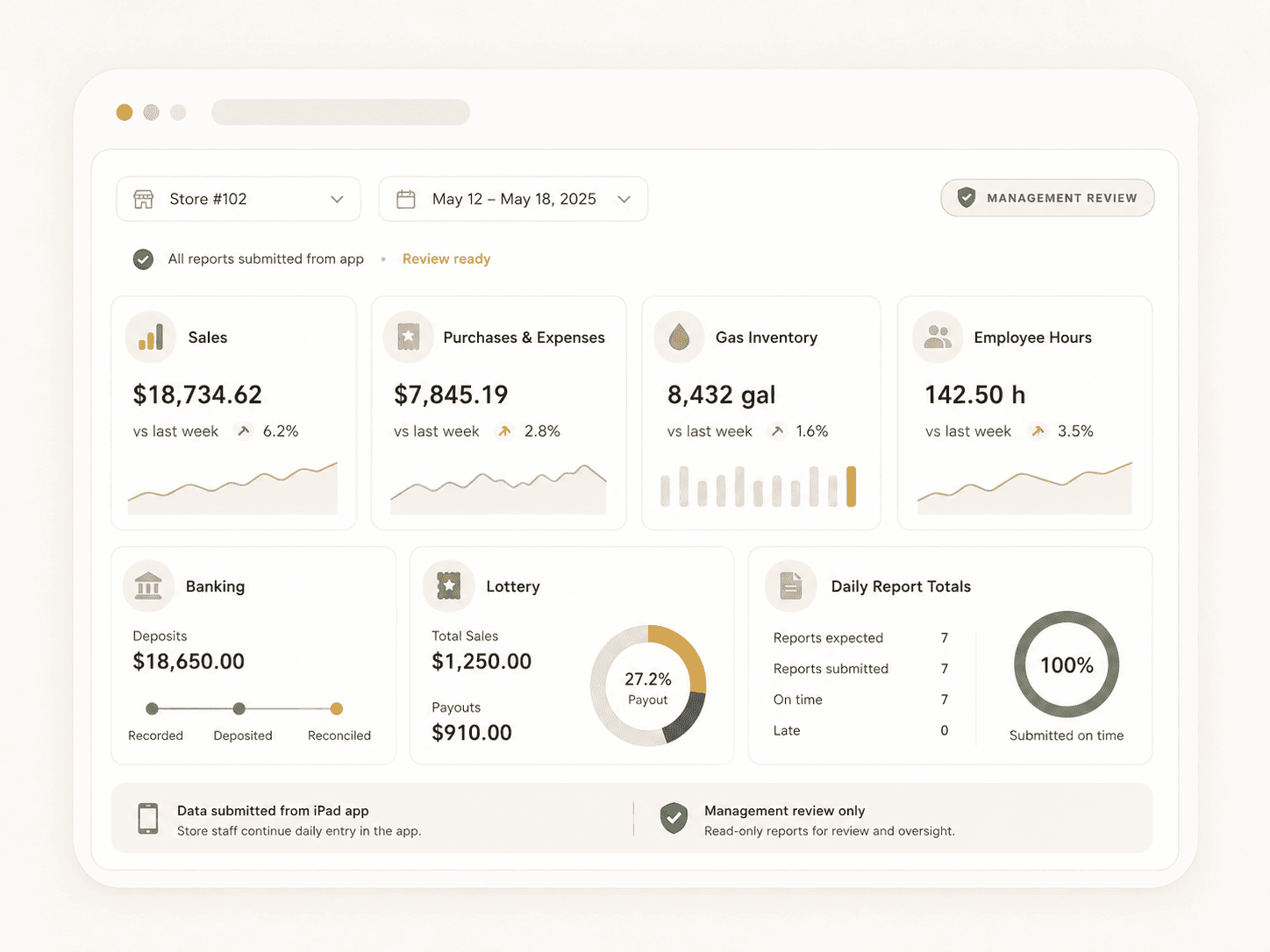
The web portal gives managers a clear view of daily entries and submitted reports.
- Sales
- Purchases and expenses
- Gas inventory
- Employee hours
- Banking
- Lottery
- Daily report totals
Date Range
Review any selected period
Choose a date range to review cumulative store activity and supporting totals.
Store Access
Store-specific access
Managers can access the store assigned to their account. Owner access can support broader store visibility as additional management features are added.
Reports
Generate reports when needed
Create PDF reports from the portal for review, reconciliation, sharing, and recordkeeping.
Store reporting
Daily entry and management review
Store staff enter daily reporting while managers and owners review the results in the web portal.