

Choose the reporting date
Keep every entry tied to the business day it belongs to.
Loading CStore Reporting...
Store staff use the iPad app to record sales, lottery, fuel, purchases, expenses, cash, and closeout. Managers review submitted reporting from the web.
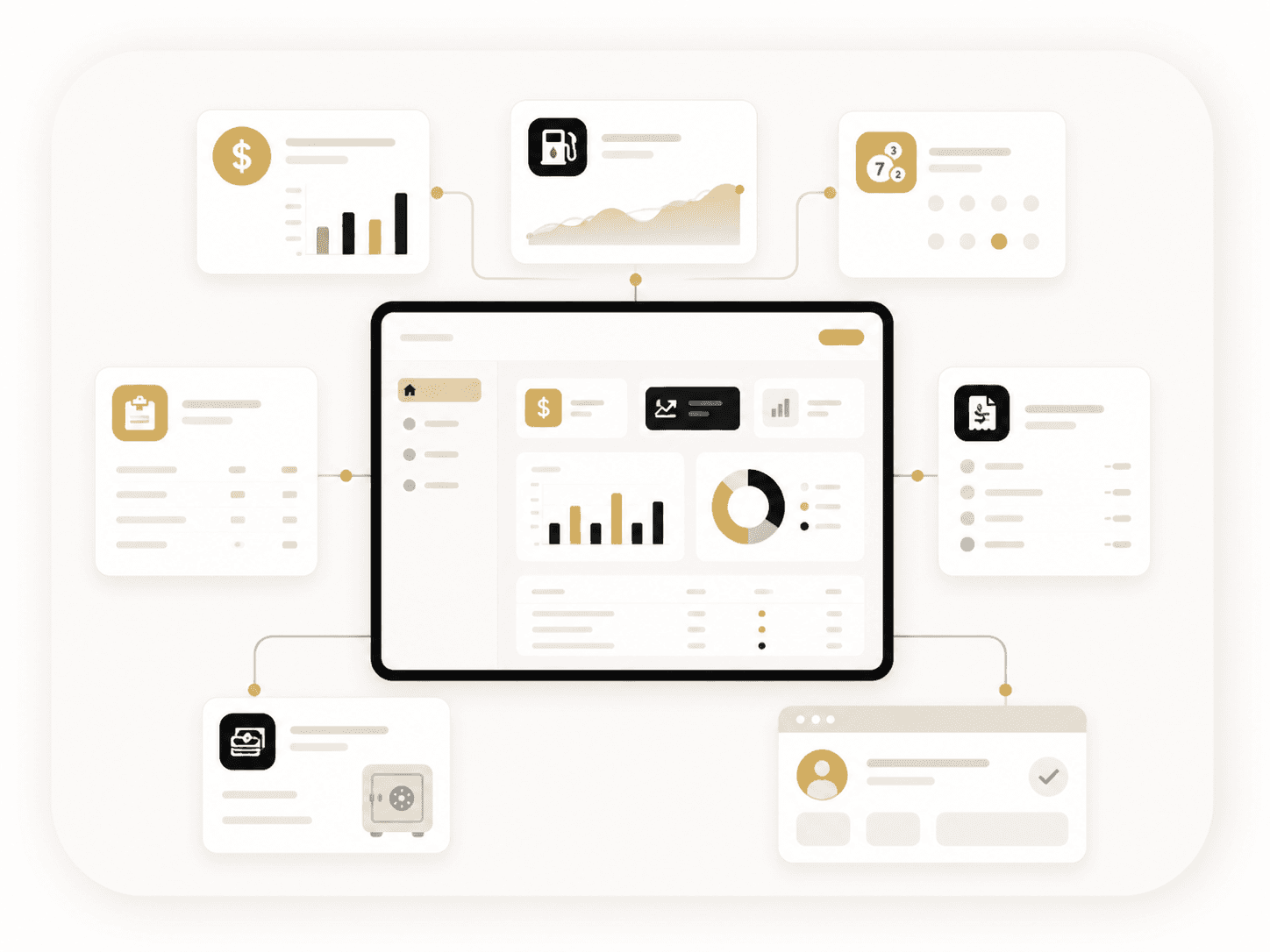
Each part of the day stays connected to the same store and reporting date.
Keep every entry tied to the business day it belongs to.
Log vendor activity and expenses as part of the day's reporting.
Enter ticket activity, sold-out rolls, and lottery totals.
Record cash denominations, credits, ATM, and other closeout amounts.
Complete department, tender, tax, and fuel reporting in one place.
Check the completed day before management reviews it from the web.
Staff get a structured entry flow on iPad. Managers get the submitted activity and supporting totals on the web.
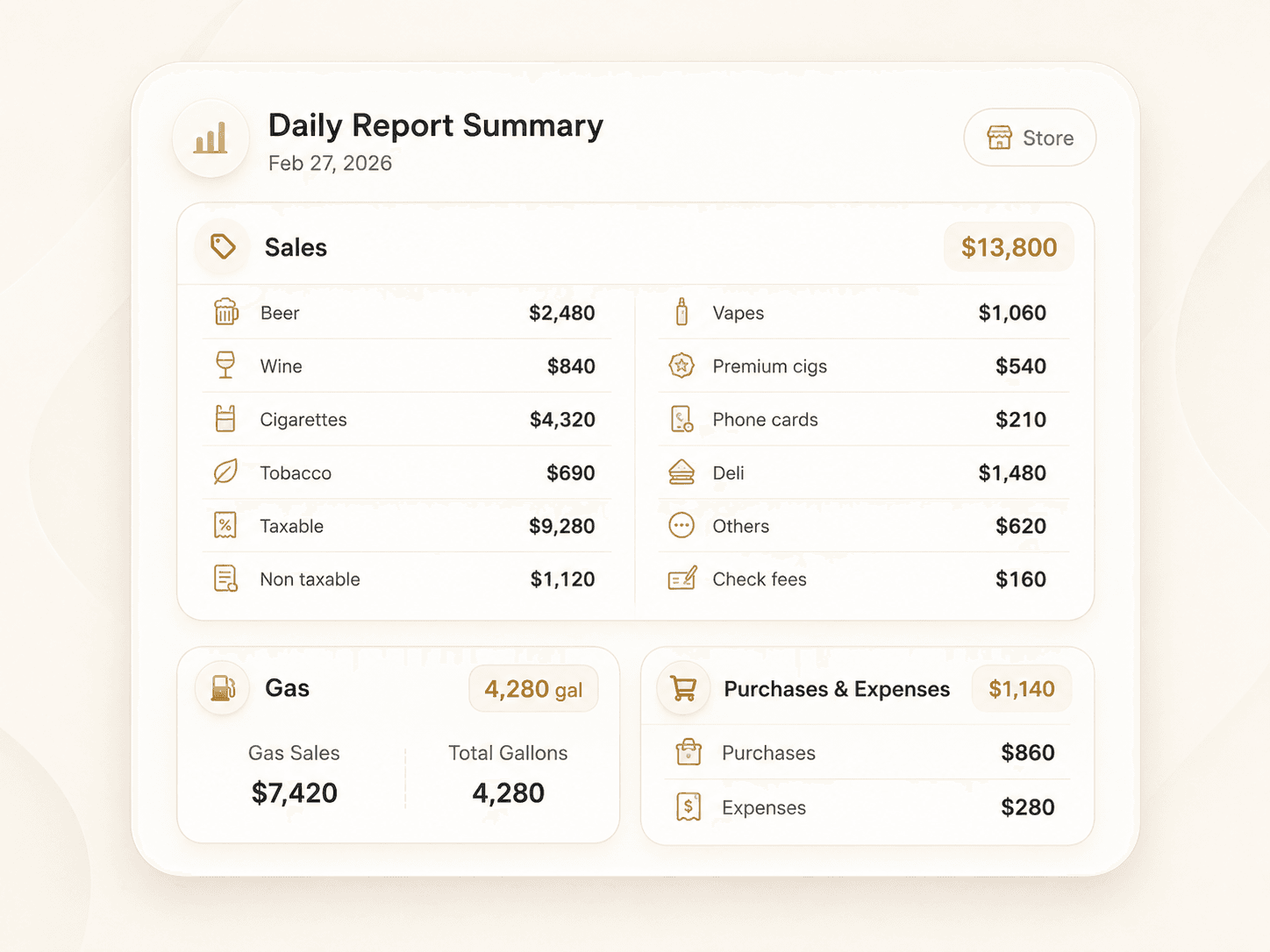
Department sales, taxes, credit cards, EBT, checks, fees, and fuel totals.
EnterReviewVendor-linked purchases and categorized expenses for the selected date.
EnterReviewTicket activity, active games, sold-out rolls, and daily lottery totals.
EnterReviewDay-end denominations, credits, ATM, gas credits, and bank in/out records.
EnterReviewGas sales, gallon totals, inventory readings, and fuel price changes.
EnterReviewEmployee access, worked hours, corrections, approvals, and manager notes.
RecordManageEnter the numbers the store already tracks, then review the completed day without rebuilding totals on paper.
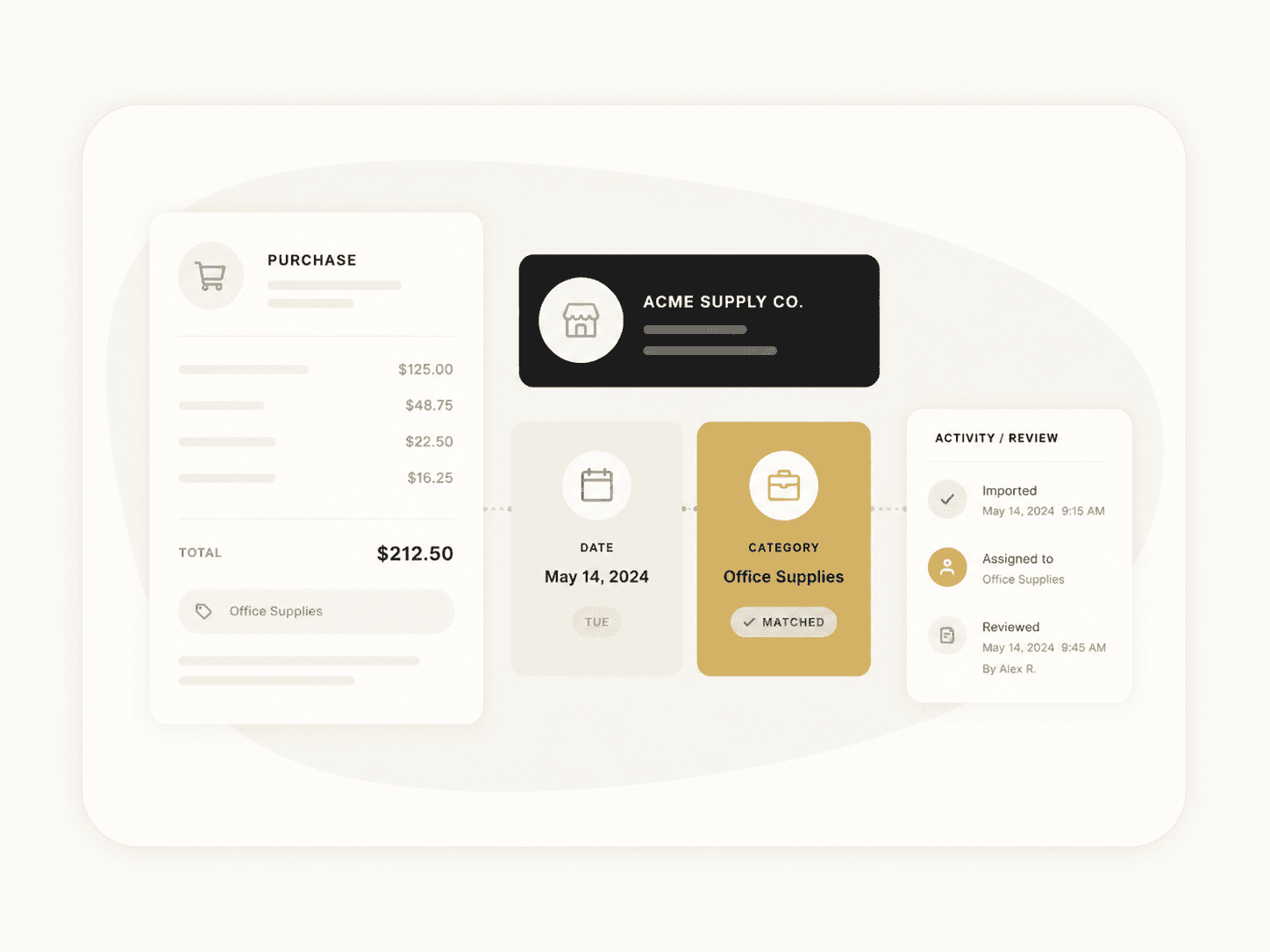
Record purchases and expenses by date, use the store's vendor list, and keep supporting details beside the transaction.
The manager portal turns submitted store activity into date-range views, cumulative totals, and reports ready for reconciliation or recordkeeping.

Keep store reporting in one connected system from the first entry to the final manager review.